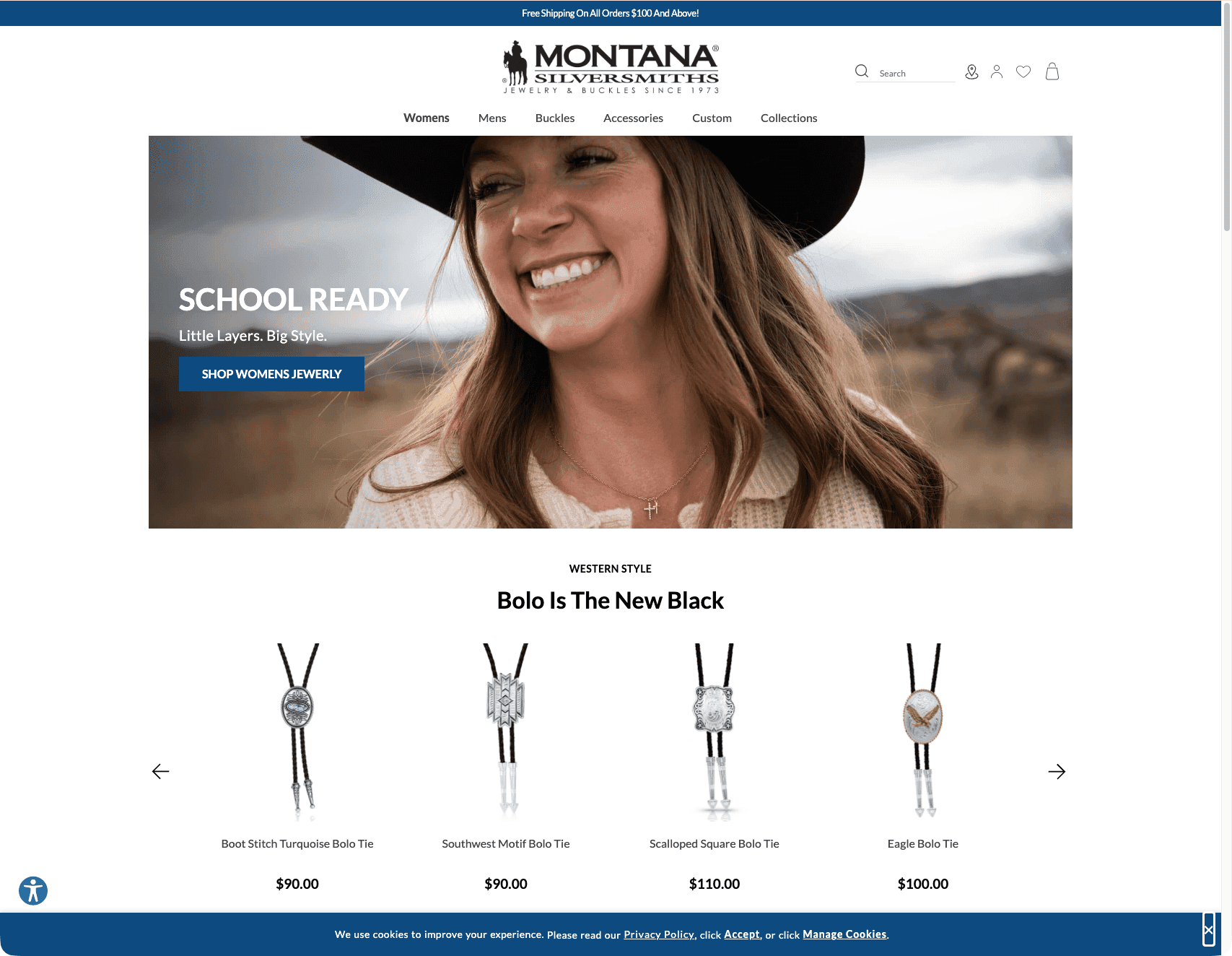
Montana Silversmiths - B2B
I lead the technical team working on Montana Silversmiths' B2B e-commerce platform, built on Adobe Commerce (Magento). The project encompasses a broad range of work — from securing critical API integrations and applying security patches, to building out custom order management workflows and refining the admin and storefront user experience for sales reps and wholesale customers.
API Integration Testing & Validation
One of the foundational efforts on this project was building a comprehensive test suite for the REST API layer that powers the B2B platform's integration with the ERP system (Microsoft Dynamics AX). The API surface area is substantial — order processing endpoints handle searches by creation date, AX order number, and status, along with order creation, shipment, and invoice generation. On the product side, the test suite covers catalog searches with status filtering, category retrieval, and stock item lookups. The B2B-specific layer adds another dimension with shared catalog management, product assignment workflows, and tier pricing configuration. Company entity retrieval and directory services round out the integration surface.
Each endpoint required test cases that validate the complex search criteria parameter encoding and ensure reliable data exchange between Adobe Commerce and the ERP.
Custom Suggested Orders (Quotes) System
A significant portion of the work centered on Montana Silversmiths' custom Suggested Orders system — a sales tool that allows reps and admins to create and manage quotes with preferential pricing from customer groups.
The Send Order Email functionality was broken, displaying errors instead of delivering suggested order emails to customers, so that was one of the first things addressed. We also implemented proper status tracking so that when a rep creates an order from a quote, the suggested order status correctly transitions from "suggested" to "ordered" — previously it would remain stale.
On the production environment, the Suggested Order Grid itself disappeared after a Quote Template configuration review, which required diagnosing the root cause and restoring the grid. A persistent InvalidArgumentException: Unable to unserialize value error was also affecting the quote functionality, and we implemented a permanent fix for it after the initial workaround proved insufficient.
To improve the day-to-day workflow, we added a "Clear Order" button with a confirmation modal so reps can quickly reset the items ordered list without manually deleting items line by line. We also fixed an issue where admins couldn't add names when cloning a suggested order, and disabled the "Create New Quote" button on the grid to prevent confusion with the intended workflow.
Order Management & Backend UX
The backend order management experience received substantial improvements to streamline the workflow for sales representatives.
Tier pricing was a recurring pain point — prices weren't displaying correctly when adding products from the browse function, and switching between pricing tiers didn't update the items ordered list as expected. Both issues were resolved so that tier pricing now applies consistently throughout the order creation flow.
We added a "Created By" field to the order detail page and the main orders grid, so the team can see which admin user submitted each order. The column supports sorting and filtering, and the data pulls from the admin user record associated with the order creation event.
The SKU/UPC entry experience was also improved. The "Enter Multiple SKU/UPC" dialog now places an active cursor when the box is clicked, and the CTA properly activates once input is provided rather than remaining grayed out. Error messaging was fixed as well — when invalid or disabled SKUs are entered, the system now correctly surfaces warnings at the top of the page.
Rep account scoping was another important fix. Previously, reps logging into the backend could see all order history across all customers. This was corrected so that each rep only sees the order history for their assigned customers. We also eliminated an unnecessary extra click that required reps to select "Default Store View" before navigating to the create order page.
Several CTA labels were updated for clarity — "Add Multiple to Order" became "Add to Inventory," "Import Current Inventory" became "Upload to Inventory," and the Create Order button color was changed to gray. The default grid listing was updated to always show all items per page, and an error on the Order Grid page triggered by filters or CSV exports was resolved.
Inventory & Salable Quantity
We investigated and resolved a discrepancy where salable quantity did not match actual inventory levels. Products were showing correct quantities in the ERP and in Magento's qty field, but the salable quantity was wildly off — in one case, a product had a quantity of 105 but a salable quantity of -32. The investigation covered how Suggested Orders, reservations, and default stock interact to ensure the system wasn't incorrectly reserving inventory. Address data inconsistencies that contributed to the problem were cleaned up via CLI commands.
Frontend & Storefront Improvements
On the storefront, the mini cart received a full layout refresh — updated icons and colors, a more balanced design that reduces excessive white space, and less scrolling required to review cart contents. The new design aligns with the look and feel already established on the B2C site.
The mega menu had a transparency effect on hover that made the child navigation links difficult to read against the page content behind it. We removed the transparency and implemented a subtle darkening of the page background when the menu is open, making the navigation significantly more legible.
Checkout received several targeted fixes. A non-functional "Next" button that appeared below the Prop 65 warning was hidden since it wasn't connected to any action and was confusing customers. Button alignment was corrected so that "Ship Here" lines up properly with "New Address" on the shipping step.
Across the product listing pages and cart, we fixed the Add to Cart button overflowing into the quantity field, corrected the Update Cart button alignment, and resolved an issue where sort and filter controls weren't visible on PLPs for users who hadn't signed in. A visual glitch causing products to blink on the PLP was also addressed.
Session handling had several issues — the login component sometimes wouldn't update its state after a user authenticated, customers occasionally couldn't log out and received error messages, and shopping cart items would disappear after a customer logged back in. All three were resolved. We also fixed the "Track This Shipment" link to correctly open the tracking details popup and added support for displaying multiple shipment tracking numbers on orders.
Accessibility & Compliance
Accessibility was addressed on multiple fronts. We integrated AudioEye, a third-party accessibility tool, onto the B2B platform after the contract was signed and installation instructions were provided. The global highlight function was updated to meet WCAG contrast requirements — previously, highlighted text and elements used black against a blue background, which failed contrast checks, so the highlighted color was changed to white. On the CMS side, we fixed an issue where Page Builder was loading massive unoptimized images for slider and row components set to full bleed, which was both a performance and an accessibility concern.
Address Management
Duplicate addresses were appearing throughout the platform — in the backend customer view, on the frontend account page, and during checkout. The root cause was that the address storage logic wasn't checking for uniqueness before creating new records. We updated the backend logic so that only unique addresses are stored, preventing duplicate entries from appearing when reps or admins view customer information. The same deduplication was applied to the checkout flow so that the shipping address selector only shows distinct addresses. We also extended the size and padding of the "Associate to Company" dropdown on the Account Information page, which had been too narrow to comfortably read company names and had its warning text overlapping the field.